NIRI + Noctalia An install experience
Hopefully this helps someone! Tips are at the bottom
A short background, I have been programming since the 90’s but I’m also not a professional programmer. I have done HTML, SQL, run Linux on a few different computers over the years. I’ve done beta testing and been paid to do QC work. But, again, I am not a professional programmer.
Linux was on my Sony VAIO laptop which was a zombie somehow still crawling along from 2007 until 2020 when the spacebar finally stopped spacing and that was the final straw. I got a HP Specter Laptop with pre-installed Windows10 and I hated Windows10 with a passion. Then Windows11 arrived and my annoyingly expensive high end laptop was slow, buggy, and kept reinstalling Edge. When I got a “Shopify” advertisement pop up in the middle of my personal laptop - I was done
I installed Linux (KDE Neon with Plasma Desktop) and it was seamless, easy, and without drama. Oh but then I saw a video of Niri window manager and I had to have it. I switched my laptop to CachyOS and tried to install Niri with Noctalia straight out of the box
That did not work.
Oh, it technically kinda worked. It looked like it worked, but there was very serious error messages. Things missing that really needed to be there. Chromium refused to install. So I installed CachyOS with Plasma Desktop and everything worked. No error messages. No missing functionality. Since I’d been running Plasma for almost eight months, I knew what to expect. I compared it to my tablet (also running Plasma Desktop) to confirm things were good.
Supposedly, I could just install Niri+Noctalia right from Shelly - the convenient package manager that comes with CachyOS. Once again, on the surface it kinda worked but oh-my-goodness was it throwing up errors. I immediately took a step backwards by picking a previously saved version through BTRFS
Install CachOS with BTRFS
I decided instead to go through and do this very methodically by making sure I had every dependency Niri needed to run before installing Niri. That way, it would have all the things set up that won’t cause it to break or glitch.
fuzzel: default application launcher in Niri
mako: notifications
waybar: a Wayland bar
xdg-desktop-portal-gtk, xdg-desktop-portal-gnome: to be able to do screen sharing
alacritty: default terminal in Niri
swaybg: background image
swayidle, swaylock: to lock the screen on idle status
xwayland-satellite: to run X11 apps
udiskie: to manage and auto-mount USB drives
If Shelly suggested something to go with any of these, I just said yes. Yes, I’ll take that thing you think might go with xwayland-satellite. Sounds great. I’m sure it helps. I also went through and made sure I had all of these:
pacman
meson
gcc
just
Wayland
Wayland-protocols
libglvnd
freetype2
fontconfig
cairo
pango
harfbuz
libxkbcommon
glib2
libsecret
libsodium
sdbus-cpp
libpipewire
wireplumber
pam
curl
libwebp
lipbjxl
libsndfile
libqalculate
libxml2
md4c
tomlplusplus
libical
nlohmann-json
stb
jemalloc
Only once I verified that all of those dependencies were installed did I install Niri. And Niri worked. It worked great. It looked boring and dull without a pretty shell, but it worked and I was happy. Now I just needed to get Noctalia working. According to https://docs.noctalia.dev/v4/getting-started/installation/
The correct way to install Noctalia for Arch is through the AUR which means I needed to allow “paru” and then run the command
paru -S noctalia-shell
Then I tested it by opening a terminal and running
“qs -c noctalia-shell”
And I jumped up and down because it worked!!! It looked beautiful. I did some customization and got my cute wallpaper thanks to catpuccin-mocha. Fully credit where it is due, this is perfect for the dark theme I like on my workstation
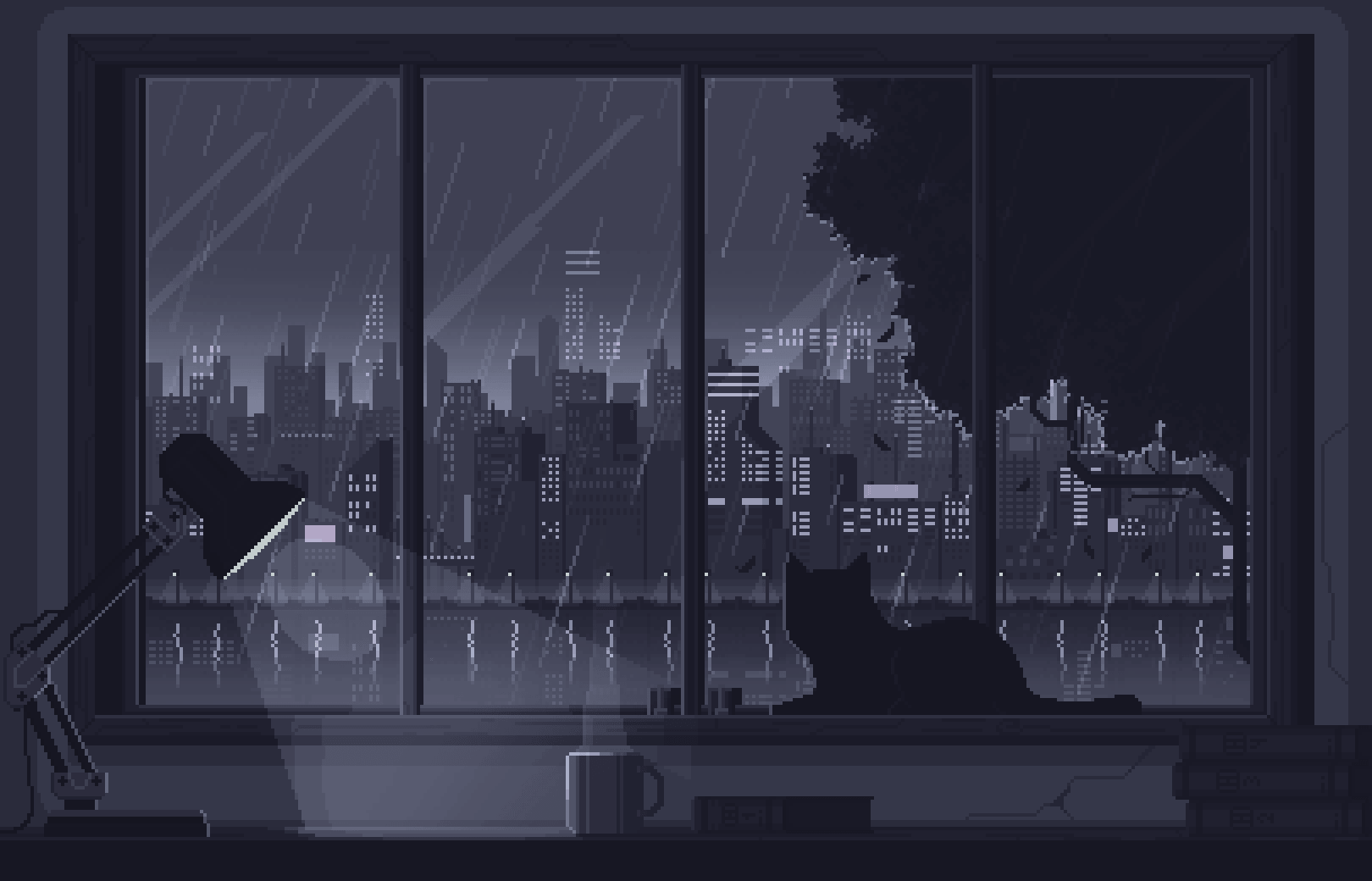
But I was not done. I could not get the shell to load on startup. I will not bore you with the details - just the fix!
First, you need to open the config file in your user profile. Not the root profile (or the other user’s profile if there is one) . You open and edit this file with Kate
home/user/.cofig/niri/config.kdl
Then you need
spawn-at-startup "qs" "-c" "noctalia-shell"
The location of those "quotes” are not negotiable. They need to look exactly like I typed above and not the slightest bit different. Hypothetically spawn-sh-at-startup should have worked but it did not. I do not care why it did not work. It just didn’t and that’s okay. This worked.
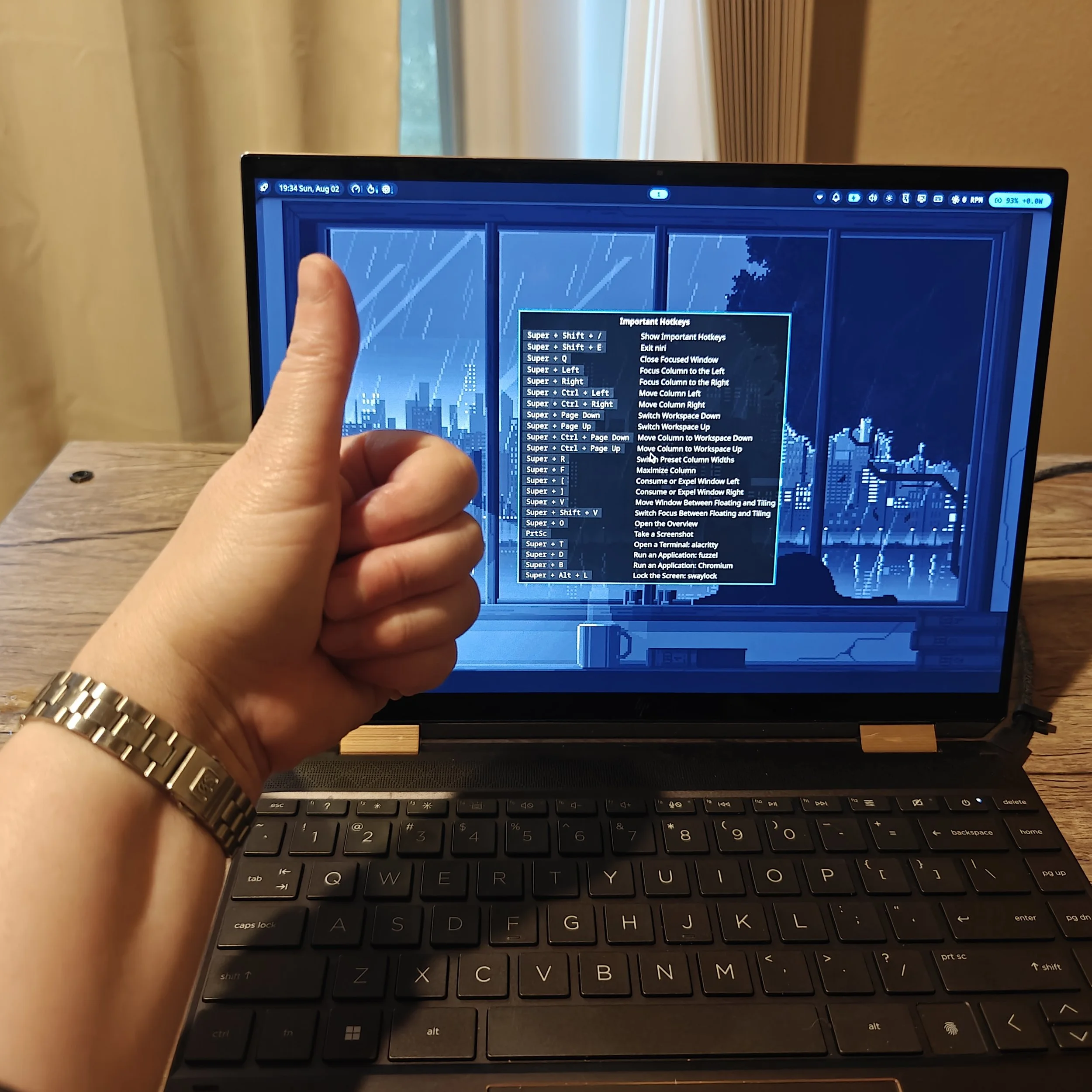
In very short summary, if Niri+Noctalia doesn’t install for you or work at install, don’t give up. Go through and get all the dependencies that the program needs ahead of time. Then get Niri working. Then pull Noctalia from the AUR
I’ve only used it now for less than a week, but I already notice myself trying to use the key bindings on my work desktop that runs Windows. It fits the way my brain works. Need a new browser? Don’t open another tab - just spawn a new browser with Super + B! Look - now it’s over there!!!! I’m so happy. This is great. I also have Plasma Desktop available any time I want to go back. But I’m not thinking I will want to go back. This is so good.
Moo yelling in the background as I try to troubleshoot
